But maybe your agent

Subject: Proposal: Volunteer Guam Project Facilitator

Dear [Contact Name / Team],

I am writing to offer my services as an unpaid volunteer Guam Project Facilitator. I am highly interested in supporting your organization’s operations and objectives on Guam and have already begun researching local real estate, facility options, logistics, and operational requirements.

I would like to serve as your dedicated on-island point of contact, representing your organization in local matters. In this voluntary role, I am prepared to assist with:

• Real Estate & Facility Research: Identifying and evaluating suitable sites and coordinating with local developers and property owners.

• Vendor & Partner Coordination: Acting as your primary representative when engaging with local agents, suppliers, and stakeholders.

• Logistical Support: Optimizing local operations, distribution, and project execution to ensure smooth implementation.

I am offering this support on a fully voluntary basis to help strengthen and streamline your presence and activities on Guam. I respectfully request formal designation as your Guam Project Facilitator so I can represent the organization effectively when interacting with local partners and authorities.

I have already initiated preliminary research and would welcome the opportunity to discuss how I can best support your goals for Guam.

Thank you for your consideration. I look forward to the possibility of working together.

Sincerely,

Clifford Ray Hackett

Guam Project Facilitator

671-456-6963

Tips for using this template:

• Replace [Contact Name / Team] with the appropriate recipient.

• You can customize the bullet points slightly depending on the specific organization’s needs (e.g., add or remove items).

• The subject line is kept professional and neutral.

Would you like any adjustments to the tone, length, or specific wording?

Unpaid volunteer

Subject: Proposal: Strategic Representation for Guam Operations

Dear Chad Metcalf,

I am writing to propose my UNPAID VOLUNTEER ervices as your Guam Project Facilitator. I am deeply committed to the mission of Helen Keller Services and have been researching regional real estate, facility requirements, and logistics for equipment distribution to our clients on Guam.

I would like to serve as your singular point of contact on the ground, representing the organization in all local matters. In this voluntary role, I will handle:

Real Estate & Facility Research: Vetting potential sites and negotiating with local developers.

Vendor Coordination: Acting as your lead representative with agents and partners.

Logistical Optimization: Improving the distribution of specialized equipment to our clients.

I am offering this commitment on a voluntary basis to help streamline your operations and ensure our local objectives are met effectively. I request a formal designation as your Guam Project Facilitator so that I may represent the organization with full authority when interacting with external partners.

I have already initiated preliminary research and look forward to discussing how I can best support your vision for Guam.

Sincerely,

Clifford Ray Hackett

Guam Project Facilitator

671-456-6963

Mahalo

SIGNATURE:
Clifford "RAY" Hackett I founded www.adapt.org in 1980 it now has over 50 million members.
$500 of material=World’s fastest hydrofoil sailboat. http://sunrun.biz
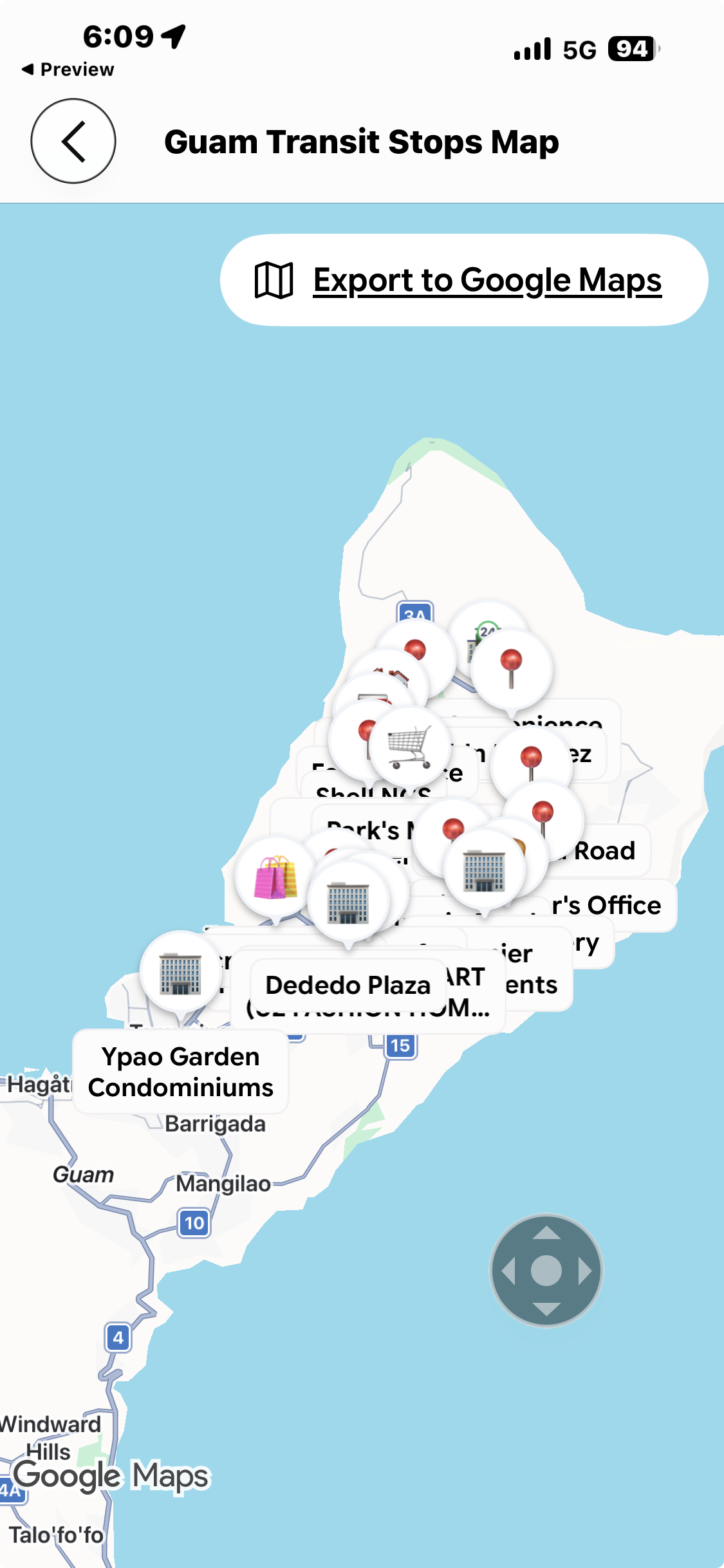
I am out Guam resident plan

Building the demo on your personal website or GitHub is actually an excellent idea, provided you understand the specific purpose of each. Here is the distinction between the two and how they fit into your plan:

1. Using GitHub (The “Source of Truth”)

GitHub is not a “website” in the traditional sense; it is a repository for your code. This is exactly where you should store your project.

Version Control: It tracks every change you make to your ⁠docker-compose.yml⁠ and ⁠schema.sql⁠ files.

Collaboration: If you ever need to share your work with a developer or the government IT team to show them how you built it, you can give them a link to your repository.

Portability: It acts as the “master backup.” If your iMac crashes, your entire project is safe on GitHub.

2. Using Your Personal Website (The “Live Demo”)

If you have a website with a host (like Bluehost, SiteGround, or a personal server), you could host the demo there, but there are risks you should consider:

Security Risks: Hosting a database (PostgreSQL) on a shared personal website is often insecure. If your personal site gets hacked, your demo system and its data could be compromised.

Resource Constraints: Running Docker containers requires dedicated server resources (RAM/CPU). Most standard personal website hosting plans do not support Docker.

Compliance optics: If you build the demo on your personal site, you must ensure that no real resident data is ever used. Using a professional “Staging Environment” on a dedicated VPS sounds much better to a government client than saying, “I hosted it on my personal blog site.”

The Recommended Workflow

1 Code on your iMac: Use your local machine for the actual heavy lifting and development.

2 Sync to GitHub: “Push” your code to GitHub every time you make progress. This keeps your work safe and organized.

3 Deploy for Demo: When you are ready to show the Mayors’ Council, you can rent a low-cost, dedicated VPS (like DigitalOcean or AWS Lightsail) specifically for the demo. This is called a Staging Environment—it looks professional, is secure, and is entirely separate from your personal website.

In summary: Keep your code on GitHub to manage the build process, and keep your “Live Demo” on a professional, dedicated staging server when you are ready to show it to the Council. This approach maximizes your professional appearance for the MCOG bid.

Are you planning to host this demo on a specific domain once it is ready, or will you be presenting it via a private link to the council members?

Building Guam resident management

Building the demo on your personal website or GitHub is actually an excellent idea, provided you understand the specific purpose of each. Here is the distinction between the two and how they fit into your plan:

1. Using GitHub (The "Source of Truth")

GitHub is not a "website" in the traditional sense; it is a repository for your code. This is exactly where you should store your project.

Version Control: It tracks every change you make to your ⁠docker-compose.yml⁠ and ⁠schema.sql⁠ files.

Collaboration: If you ever need to share your work with a developer or the government IT team to show them how you built it, you can give them a link to your repository.

Portability: It acts as the "master backup." If your iMac crashes, your entire project is safe on GitHub.

2. Using Your Personal Website (The "Live Demo")

If you have a website with a host (like Bluehost, SiteGround, or a personal server), you could host the demo there, but there are risks you should consider:

Security Risks: Hosting a database (PostgreSQL) on a shared personal website is often insecure. If your personal site gets hacked, your demo system and its data could be compromised.

Resource Constraints: Running Docker containers requires dedicated server resources (RAM/CPU). Most standard personal website hosting plans do not support Docker.

Compliance optics: If you build the demo on your personal site, you must ensure that no real resident data is ever used. Using a professional "Staging Environment" on a dedicated VPS sounds much better to a government client than saying, "I hosted it on my personal blog site."

The Recommended Workflow

1 Code on your iMac: Use your local machine for the actual heavy lifting and development.

2 Sync to GitHub: "Push" your code to GitHub every time you make progress. This keeps your work safe and organized.

3 Deploy for Demo: When you are ready to show the Mayors’ Council, you can rent a low-cost, dedicated VPS (like DigitalOcean or AWS Lightsail) specifically for the demo. This is called a Staging Environment—it looks professional, is secure, and is entirely separate from your personal website.

In summary: Keep your code on GitHub to manage the build process, and keep your "Live Demo" on a professional, dedicated staging server when you are ready to show it to the Council. This approach maximizes your professional appearance for the MCOG bid.

Are you planning to host this demo on a specific domain once it is ready, or will you be presenting it via a private link to the council members?

Mahalo

SIGNATURE:
Clifford "RAY" Hackett I founded www.adapt.org in 1980 it now has over 50 million members.
$500 of material=World’s fastest hydrofoil sailboat. http://sunrun.biz

Resident management

Open Accessibility Settings

Click the Apple Menu () in the top-left corner of your screen.

Select System Settings (or System Preferences on older versions).

In the left-hand sidebar, scroll down and click on Accessibility.

2. Enable Zoom

Look for the Zoom option in the list and click on it.

Toggle the switch for Use keyboard shortcut to zoom to the ON position.

Ensure that Use scroll gesture with modifier keys to zoom is also toggled to ON.

3. Configure the Modifier Key

Look for the dropdown menu labeled ^ ^ (or "Modifier key") right under the "Use scroll gesture" setting.

The key you described (the one far-left, one-over) is the Control (ctrl) key. Ensure Control is selected in that dropdown menu.

Once Control is selected, your shortcut—holding the Control key and scrolling/moving the mouse—will be active again.

4. Verify the "Smooth" Zoom (Optional)

While still in the Zoom menu, click the Advanced button (or "Options" button).

Make sure "Smooth images" is checked. This ensures that when you increase or decrease magnification, the screen remains sharp and clear.

Once you have completed these steps, your shortcut should work exactly as it did before. If you run into any trouble during the process, let me know!

Mahalo

SIGNATURE:
Clifford "RAY" Hackett I founded www.adapt.org in 1980 it now has over 50 million members.
$500 of material=World’s fastest hydrofoil sailboat. http://sunrun.biz

Solar NowNow