Category Archives: Uncategorized
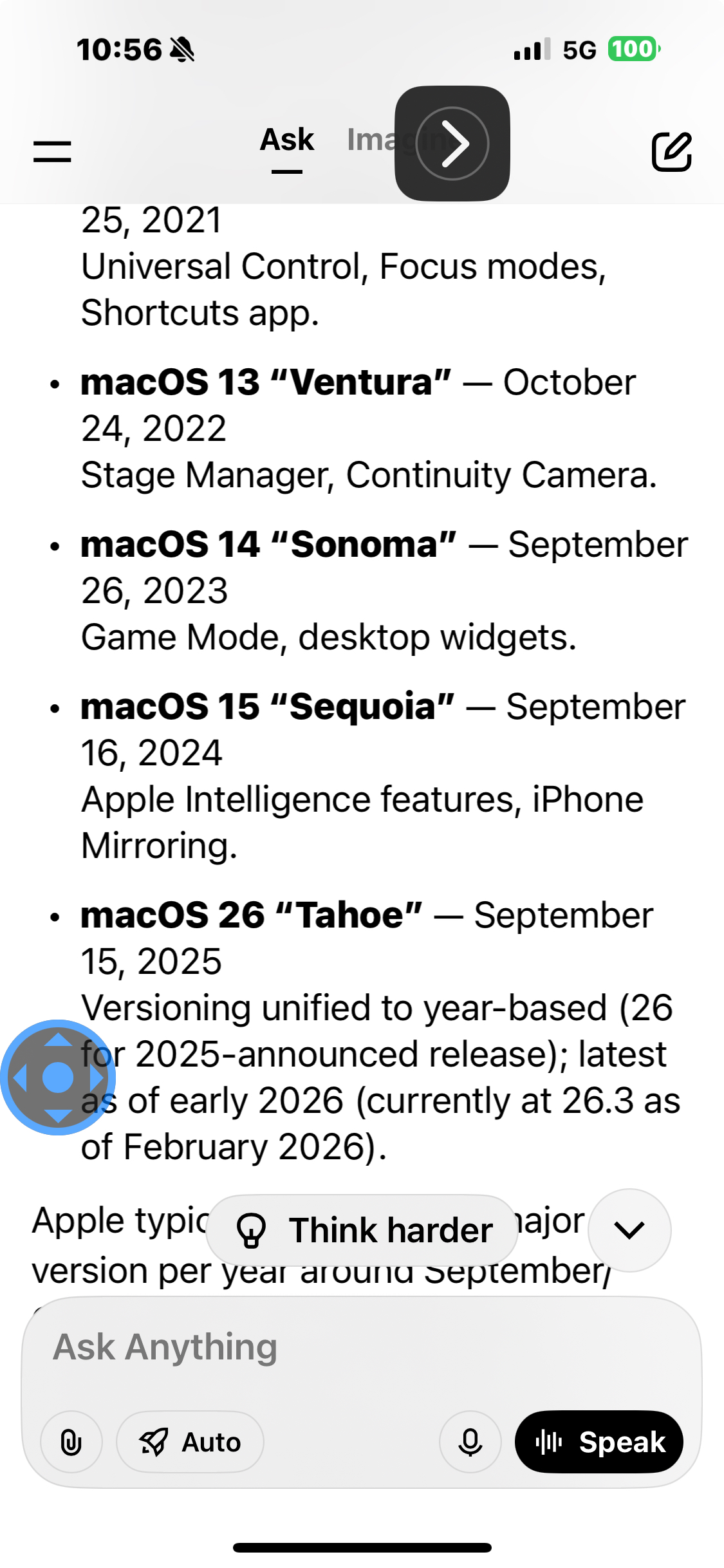
We need 26 as 15 is TOO outdated
it looks like it’s loading 14, which is going backwards instead of forwards is that just part of the process?
Mahalo
SIGNATURE:
Clifford "RAY" Hackett I founded www.adapt.org in 1980 it now has over 50 million members.
$500 of material=World’s fastest hydrofoil sailboat. http://sunrun.biz
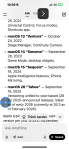
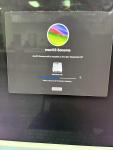
V26 right? Tahoe?
Follow the OPEN CLAW MOTLY channel on WhatsApp: https://whatsapp.com/channel/0029Vb86LMSCcW4y1qqz8U1m
Follow the OPEN CLAW MOTLY channel on WhatsApp: https://whatsapp.com/channel/0029Vb86LMSCcW4y1qqz8U1m
119 lines of code counts and scans 5K files in Mötley
OpenClaw Email Hunter
9g.php full 10lesson course generator
Course: Daily Intelligence Loops
Lesson 1: Automation Architecture
• Concept overview
• Example workflow
• Practice exercise
• Reflection
Lesson 2: Scaling Lightweight PWAs
• Concept overview
• Example workflow
• Practice exercise
• Reflection
Lesson 3: Modular Workflow Design
• Concept overview
• Example workflow
• Practice exercise
• Reflection
Lesson 4: OpenClaw System Thinking
• Concept overview
• Example workflow
• Practice exercise
• Reflection
Lesson 5: Signal‑Driven Automation
• Concept overview
• Example workflow
• Practice exercise
• Reflection
Lesson 6: Signal‑Driven Automation
• Concept overview
• Example workflow
• Practice exercise
• Reflection
Lesson 7: Triggers, Tasks, and Outputs
• Concept overview
• Example workflow
• Practice exercise
• Reflection
Lesson 8: OpenClaw System Thinking
• Concept overview
• Example workflow
• Practice exercise
• Reflection
Lesson 9: Signal‑Driven Automation
• Concept overview
• Example workflow
• Practice exercise
• Reflection
Lesson 10: Triggers, Tasks, and Outputs
• Concept overview
• Example workflow
• Practice exercise
• Reflection
Capstone: Build a real OpenClaw automation using these concepts.
6n1.php this is from 1tab of 6tabs?
Student Exercises: Triggers, Tasks, and Outputs
1. Build a workflow using this concept.
2. Add one improvement.
3. Add one signal‑driven trigger.
4. Document the workflow.
5. Reflect on how it evolves daily.
3n1 generator
Lesson: Building Your First Automation
• Understand the core idea behind Building Your First Automation • Learn how OpenClaw applies this concept
• Build a small workflow using this principle
• Practice applying it to your own system
Building Your First Automation is a foundational concept in OpenClaw. The goal is to break complex ideas into small, modular steps that can be automated.
OpenClaw uses a simple structure: Trigger → Task → Output. This allows you to build workflows that are easy to understand, easy to evolve, and easy to scale.
Start by identifying the smallest version of the idea. Then map it into the OpenClaw structure. Build it, test it, and refine it.
Example Workflow:
1. Trigger: A new signal appears in your dashboard.
2. Task: Analyze the signal and extract key data.
3. Output: Log the result and send a notification.
Practice Exercise:
Create a workflow that reacts to a daily event (like a scheduled time) and generates a small piece of intelligence for your system.
Building Your First Automation becomes powerful when applied daily. Small automations compound into large capabilities.
Build one small workflow today. Let OpenClaw evolve it tomorrow.
Content2.php
Today’s tutorial explores how to turn this idea into a working OpenClaw automation:
A tool for developers that solves tracking performance using workflow templates.
Start by breaking the idea into three parts: the trigger, the task, and the output.
The trigger starts the automation. The task is the action OpenClaw performs. The output is where the result goes.
Build the smallest version first. Ship it. Observe. Evolve.
Content.php
A tool for ecommerce shops that solves automating repetitive tasks using AI‑powered dashboards.
Today’s tutorial explores how to turn this idea into a working OpenClaw automation:
A tool for ecommerce shops that solves automating repetitive tasks using AI‑powered dashboards.
Start by breaking the idea into three parts: the trigger, the task, and the output. This mirrors how OpenClaw structures every workflow.
The trigger is what starts the automation. It could be a scheduled time, a new email, or a signal from your PWA.
The task is the action OpenClaw performs automatically. This might be scanning a page, generating intelligence, or updating your dashboard.
The output is where the result goes — a log entry, a notification, or a data update.
Build the smallest version first. Ship it. Observe what happens. Then evolve it daily.
Today we’re turning this idea into a real OpenClaw automation:
A tool for ecommerce shops that solves automating repetitive tasks using AI‑powered dashboards.
OpenClaw breaks everything into three pieces: triggers, tasks, and outputs.
Choose your trigger — the event that starts the automation. Then define the task — the action OpenClaw performs automatically. Finally, choose the output — where the result goes.
Save it, run it, and evolve it. OpenClaw workflows grow with you.
ECOMMERCE SHOPS AUTOMATING REPETITIVE TASKS USING AI‑POWERED DASHBOARDS.
OpenClaw is how you turn “a tool for ecommerce shops that solves automating repetitive tasks using ai‑powered dashboards.” into a real automation without writing a backend.
OpenClaw automation
Trigger → Task → Output
Build small. Ship fast. Evolve daily.
1. Title card: “A tool for ecommerce shops that solves automating repetitive tasks using AI‑powered dashboards.” 2. Screen recording: OpenClaw dashboard
3. Highlight: Trigger selection
4. Highlight: Task configuration
5. Highlight: Output options
6. Save animation
7. Outro card: “OpenClaw — Automate Everything”
OpenClaw Tutorial: A tool for ecommerce shops that solves automating repetitive tasks using AI‑powered dashboards.
 Solar
Solar 